Panel Optimizer
(Click
the descriptions below to view a detailed drawing)
Note: The Panel Optimizer is an add-on module to the Standard Editions of Cabinet Pro and Door Pro. However, it is included in the CNC Editions.
View the
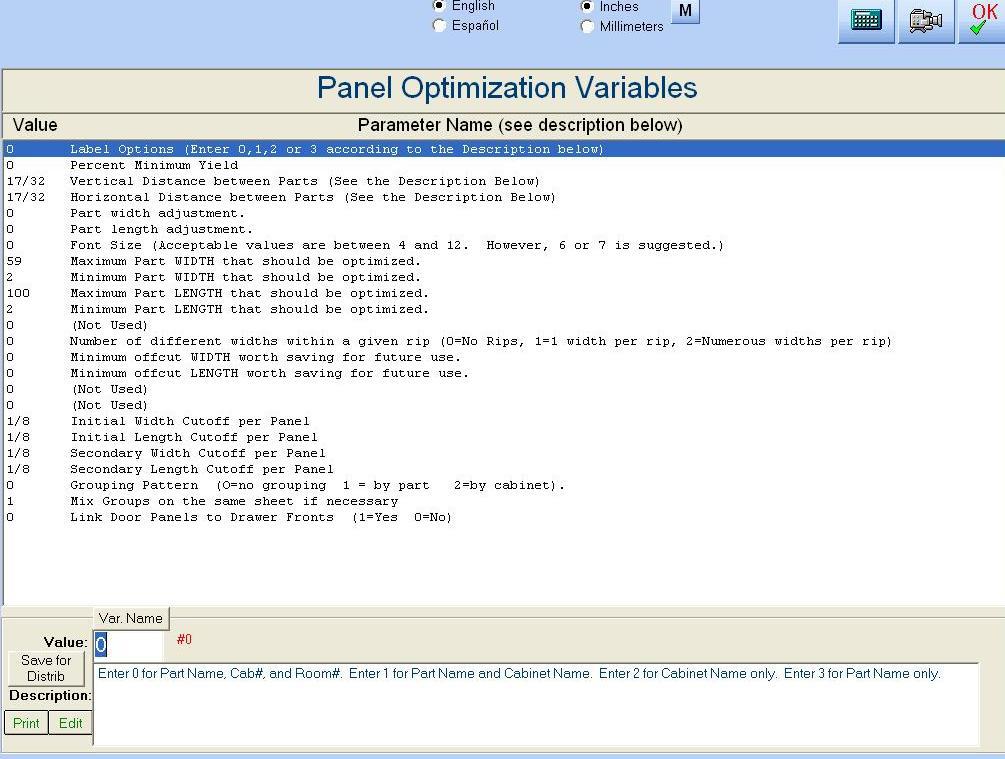
Variables Data Entry Screen
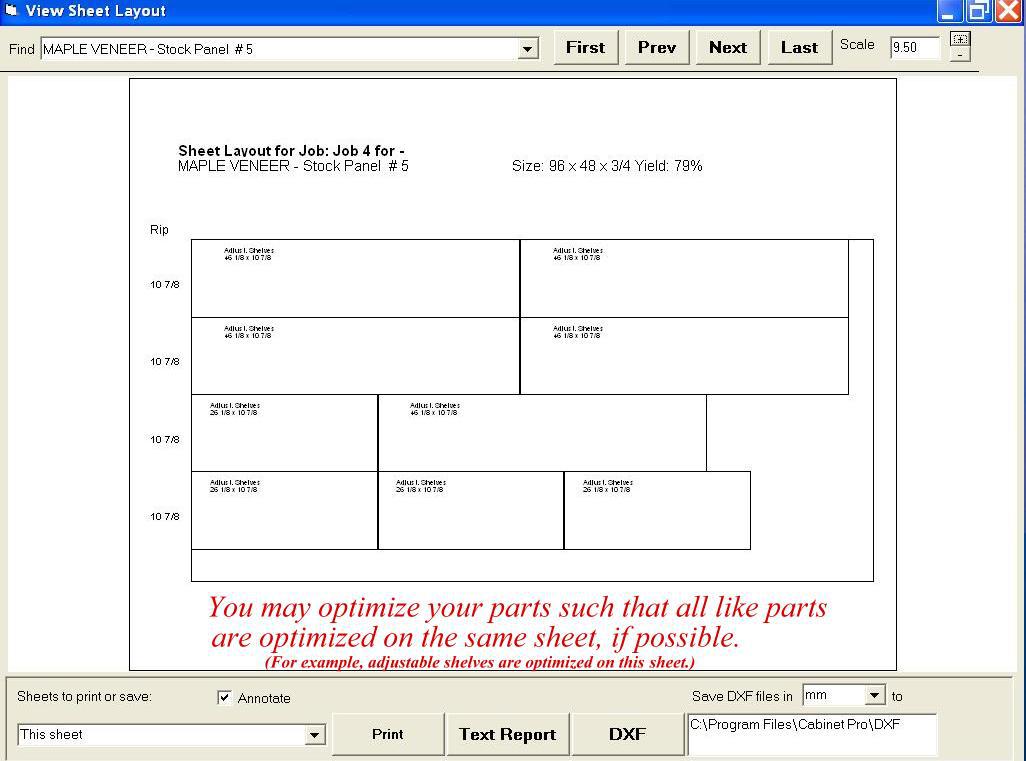
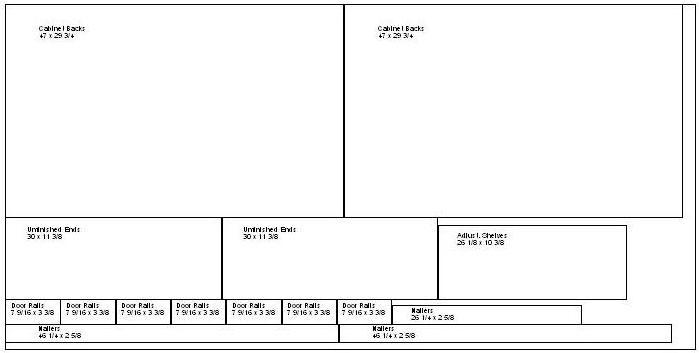
View an example of Panel Optimization
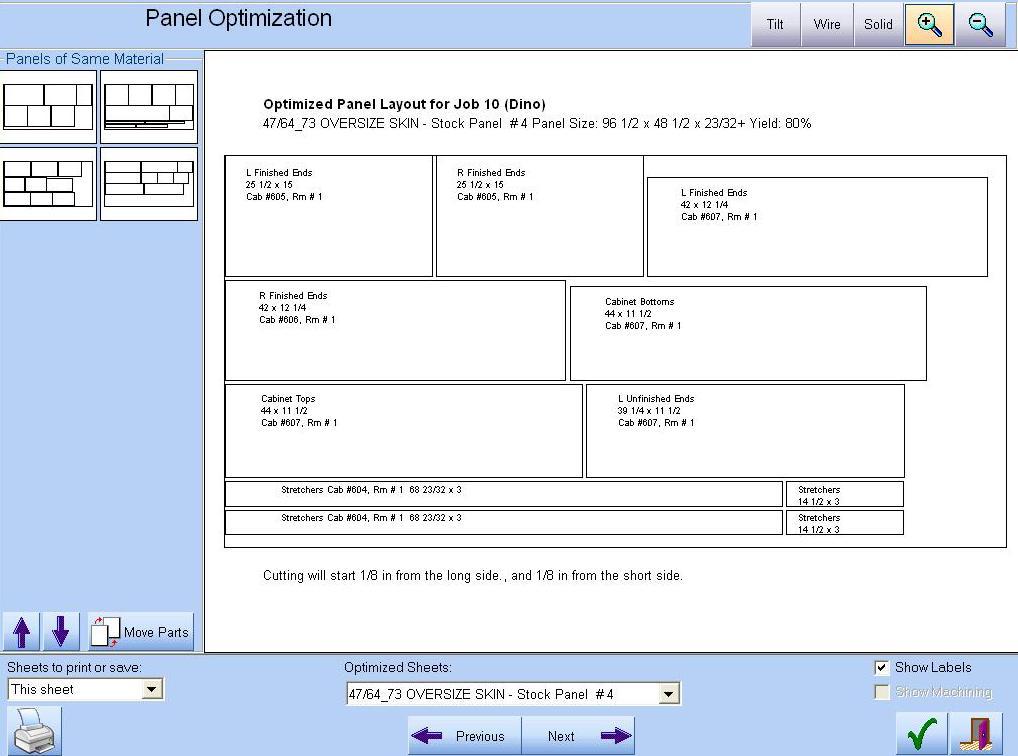
View another example of Panel Optimization
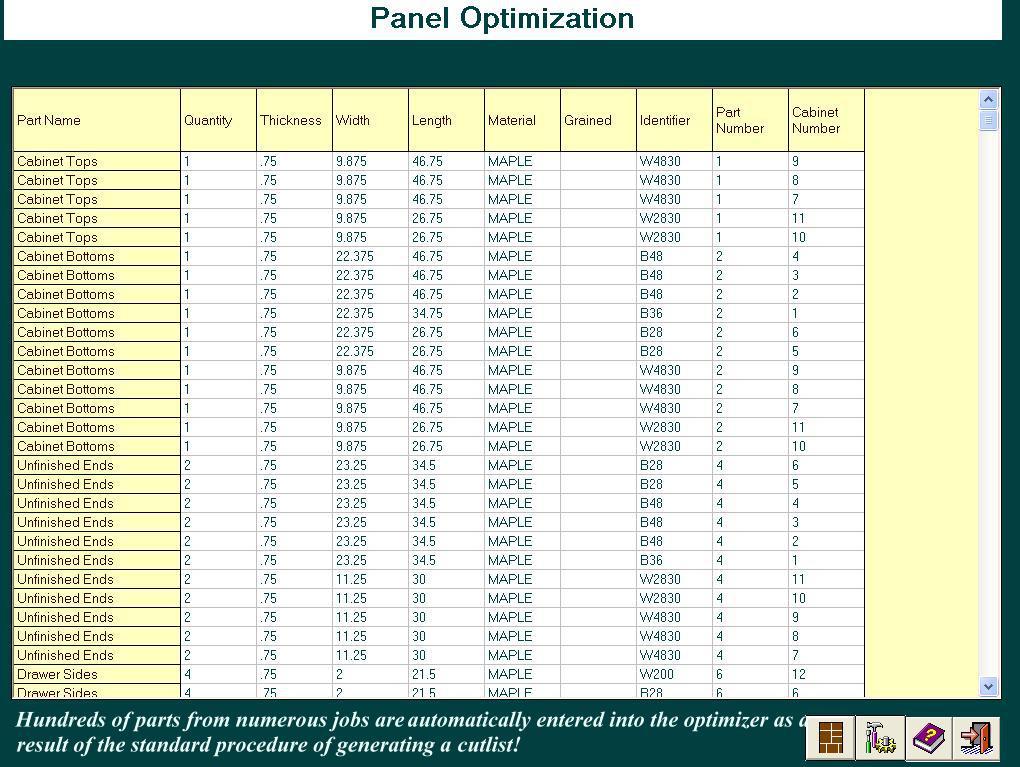
View the parts list that is automatically generated by Cabinet Pro.
 |
Allows for both Ripping Kerf and Crosscut Kerf |
|
|
Allows custom adjustment for width and length of parts optimized |
|
|
Allows maximum and minimum part widths and lengths to be optimized |
|
|
Automatic entry of all appropriate panels into the optimizer! |
|
|
Allows numerous sub-rips within each rip. |
|
|
Initial cutoffs for width and length per panel. |
|
|
Allows no grouping so that maximum optimization is achieved. |
|
|
Allows grouping by part, so that all like parts are optimized on the same sheet(s), if possible. |
|
|
Allows grouping by cabinet, so that all parts of a given cabinet are optimized on the same sheet(s), if possible. |
|
|
If grouped, the optimizer allows groups to be mixed on the same sheet or not. |
|
|
Links door panels to their corresponding drawer fronts! |
|
|
Allows saving of DXF files |
|
|
Automatically generates CNC Code to machine and cut out parts for nested-based CNC routers |
|
|
May assign one part per sheet for Point-to-Point machines |
|
|
Prints report on optimized parts, including percent yield. |
|
|
Match the grain AND grain direction of doors and drawers on a given panel. |
|
|
Match grain for doors separately from drawers, or match doors and drawers together. |
|
|
Rotate Parts on a panel |
|
|
Move parts to another location on the same panel or move parts to a different panel |
|
|
Almost no setup! Panels are automatically optimized while obtaining a cutlist. |
Click here for a comparison study of Cabinet Pro